
Why effective design choices win users and drive retention
UI/UX Practices set the foundation for how users perceive and interact with modern web apps. When design decisions prioritize clarity, performance, and accessibility, products convert better and keep users returning. This article covers five practical strategies you can apply today to improve usability, speed, and satisfaction across devices.
1. Center design on real users and measurable goals
Start with user research: interviews, task analysis, and simple usability tests. Grounding decisions in evidence prevents assumptions from derailing the product. Define measurable goals (completion rate, time on task, error rate) and iterate against those metrics. Aligning your work with user experience optimization and business KPIs produces tangible improvements rather than subjective opinions.
2. Use a responsive grid to support responsive web layouts
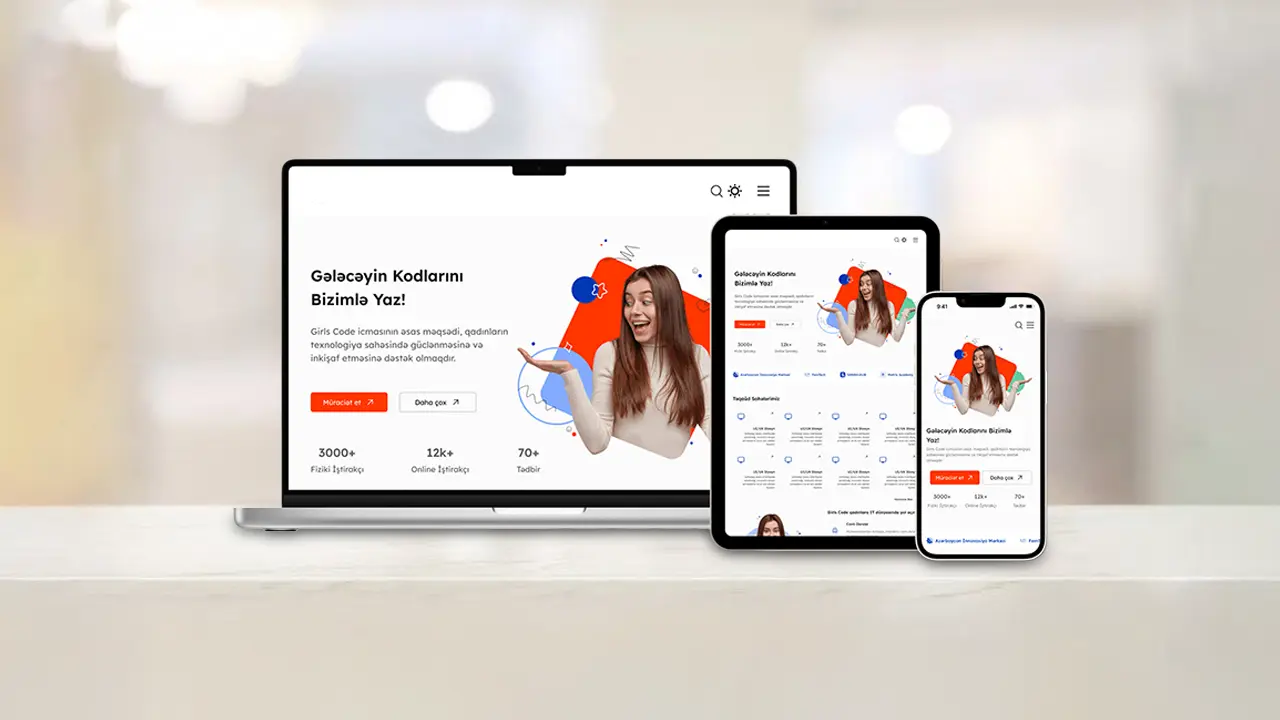
Responsive web layouts ensure the interface functions smoothly across phones, tablets, and desktops. Use fluid grids, relative typography, and breakpoint-aware components so content flows naturally. This approach reduces development friction and improves accessibility—especially when combined with optimized assets and lazy-loading patterns.
3. Establish a clear visual hierarchy and consistent patterns
Visual hierarchy helps users scan and act. Apply contrast, spacing, and typographic scale to highlight primary actions while keeping secondary options visible but less dominant. Consistent UI components reduce cognitive load; reusing patterns lets users transfer learning between screens. Maintain a design system that documents colors, spacing, and component behavior so teams deliver consistent experiences at scale.
4. Refine interactions with microcopy and micro-interactions
Small details matter. Intuitive interaction design—clear microcopy, actionable error messages, and subtle motion—guides users through flows without friction. Micro-interactions should communicate state changes (loading, success, error) and provide reassurance. Test these elements in prototypes to confirm they support rather than distract from core tasks.
5. Optimize performance and accessibility together
Fast, accessible apps reach more users. Performance wins come from efficient images, minimized JavaScript, and server optimizations. Accessibility techniques—semantic HTML, proper labels, keyboard navigation, and sufficient contrast—benefit everyone and often improve SEO. Treat performance and accessibility as features, not afterthoughts, and bake them into your QA checklist.
Applying modern interface design across teams
Embed modern interface design practices into product sprints by including designers early, running quick usability checks, and using shared component libraries. Cross-functional collaboration keeps implementation faithful to intent and speeds up iteration cycles. Regular design reviews focused on user experience optimization help catch regressions before they reach production.
A short checklist to follow
- Validate assumptions with at least one user test per sprint.
- Include responsive web layouts in your acceptance criteria.
- Document UI patterns in a living design system.
- Measure performance and accessibility scores for every release.
- Refine intuitive interaction design with prototypes and feedback.
For deeper research and proven methods, consult established UX resources like the Nielsen Norman Group for guidelines and studies. For other optimization tips that complement these UI/UX Practices, see our related internal guide on modern web app optimization.

Adopting these five practices—user-centered research, responsive web layouts, clear visual hierarchy, intentional interactions, and combined performance-accessibility efforts—creates web apps that feel reliable and delightful. Keep testing, measuring, and iterating: design is never finished, but disciplined practices help you deliver consistent results.