The Real Importance of Website Accessibility Today
Website Accessibility plays a critical role in how users experience and interact with modern websites. From users with visual impairments to those relying on keyboard navigation, accessibility ensures that no visitor is excluded from essential information or functionality. A well-structured, accessible website benefits users, search engines, and businesses alike.
As digital platforms continue to grow, organizations must prioritize accessibility as part of their core strategy. Following established web accessibility standards not only improves usability but also strengthens brand credibility and reduces legal risks associated with non-compliance.
What WCAG Means for Website Accessibility
The Web Content Accessibility Guidelines, commonly known as WCAG, provide a globally accepted framework for creating accessible digital content. These guidelines are designed to ensure content is perceivable, operable, understandable, and robust for all users, regardless of ability or technology.
Achieving WCAG compliance helps websites support assistive technologies such as screen readers and voice navigation tools. It also improves site structure, making content easier to crawl and index by search engines.
Powerful 6 Essential Tips for Website Accessibility
1. Use Semantic HTML for Clear Structure
Semantic HTML elements provide meaningful structure to web pages. Proper heading hierarchy, lists, and landmarks allow assistive technologies to interpret content accurately. This approach supports accessible web design while improving overall SEO performance.
2. Write Descriptive Alt Text for Images
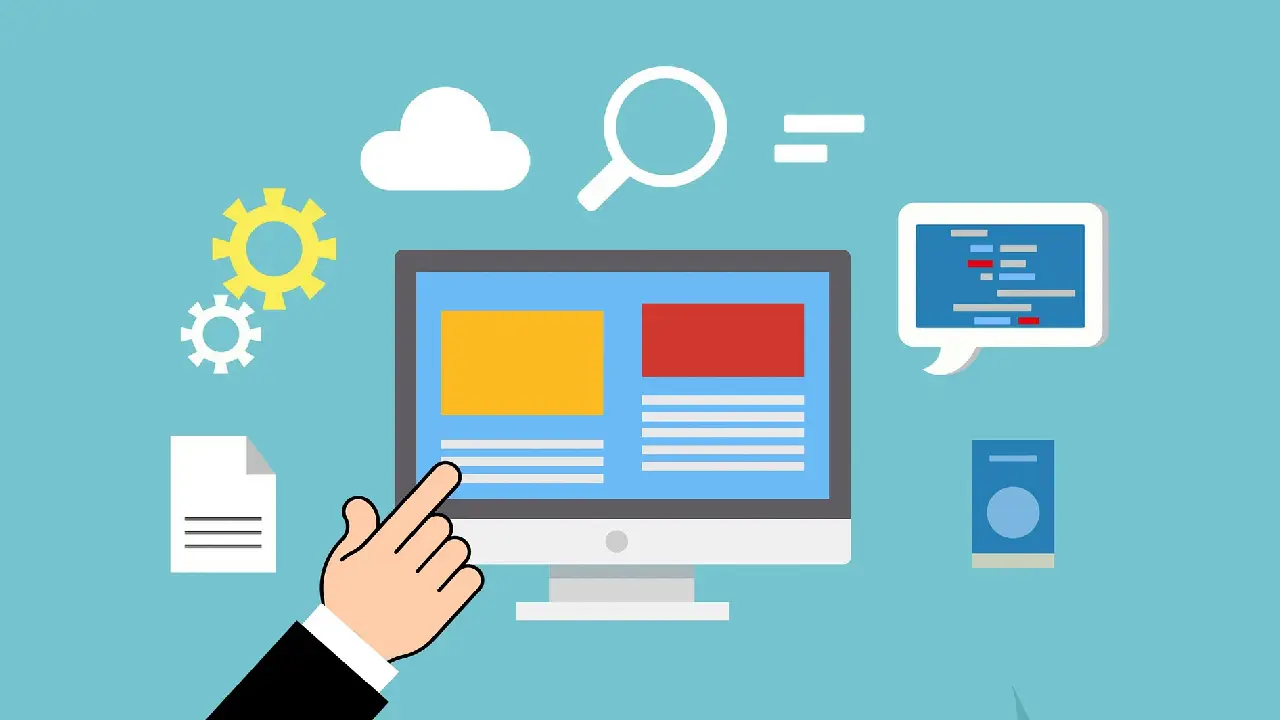
Alternative text enables users with visual impairments to understand image content. Descriptive alt text should explain the purpose of the image clearly without unnecessary repetition. This practice strengthens Website Accessibility and enhances content relevance for search engines.
3. Maintain Proper Color Contrast
Text with insufficient contrast can be difficult to read, especially for users with vision limitations. WCAG guidelines define minimum contrast ratios to ensure readability across devices. Proper contrast contributes to an inclusive digital experience and improves content clarity.
4. Enable Full Keyboard Navigation
Many users rely entirely on keyboards to navigate websites. All interactive elements, including menus and forms, must be accessible without a mouse. Visible focus indicators help users understand their position on the page.
5. Design Accessible Forms and Inputs
Forms should include clear labels, instructions, and error messages that assistive technologies can detect. Accessible forms reduce user frustration and increase successful submissions, benefiting both usability and conversion rates.
6. Test Accessibility Regularly
Testing with accessibility tools and real assistive technologies is essential. Automated scans identify basic issues, while manual testing reveals real-world usability challenges. Continuous testing ensures long-term WCAG compliance.
How Website Accessibility Supports SEO

Search engines favor websites that provide clear structure, readable content, and logical navigation. Website Accessibility directly supports these factors by improving page organization and user engagement. Accessible websites often experience lower bounce rates and longer session durations.
By following web accessibility standards, websites become easier to index and rank, leading to improved organic visibility and better overall performance.
Trusted Resources for WCAG Compliance
For official guidance on accessibility implementation, refer to the World Wide Web Consortium (W3C). Their documentation offers detailed techniques and success criteria for accessibility.
You may also explore our internal guide on website development best practices to align accessibility with performance and scalability.
Conclusion: Building an Inclusive Digital Experience
Website Accessibility is not just a technical requirement—it is a commitment to inclusion. By applying WCAG principles, organizations create digital spaces that serve everyone effectively. Accessibility enhances usability, improves SEO, and supports long-term growth.
Making accessibility part of your development process ensures a more inclusive digital experience while positioning your website for future success.